
Start with the job
Quick answer
For a display you already own, start with its documented companion app—not a generic best-calendar-app list. Zical and eCalendar appear behind more than one hardware brand. FotoCube has distinct device and software tiers. For a screen you want to configure yourself, DAKboard is a separate software-first route.
Compare the companion app, device pairing and software access for your home display. Shared app identity does not prove that two displays are interchangeable, use one warranty or have identical features. The pictured products are the named review devices; the Zicalstar image does not depict Westsee hardware.
Features with boundaries
Which software belongs to which display?
On a smaller screen, swipe the table sideways to see costs and limits. With a keyboard, focus the table and use the arrow keys.
| System / option | Identity, pairing & workflow | Access / paid boundary | Limits & sources |
|---|---|---|---|
Zical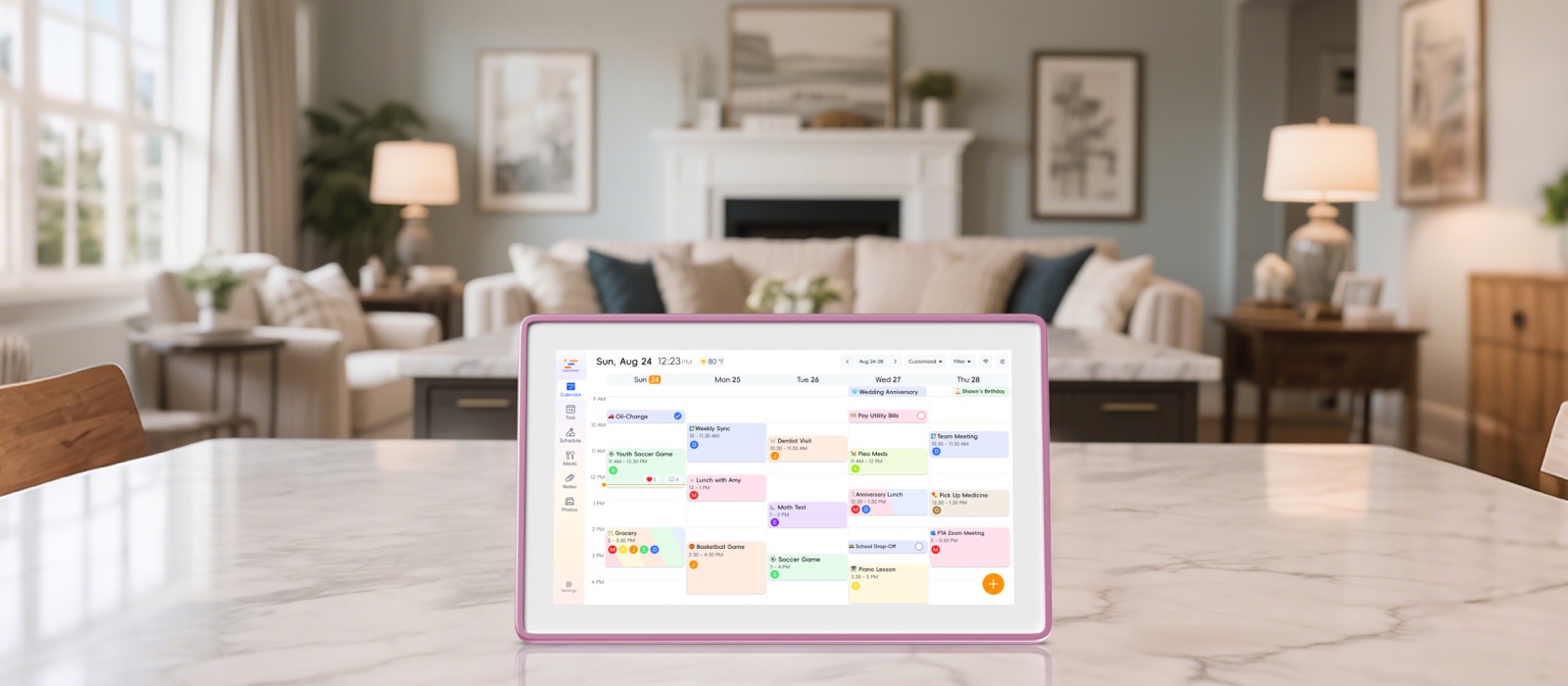 Zicalstar Smart Calendar Frame Zicalstar Smart Calendar Frame | Zical App Store ID 6740153962; Android package com.zical.calendar_test. Zicalstar documents calendar-code activation. Westsee’s official 15.6-inch product description explicitly names the Zical App. | Zical app availability and the Westsee core no-subscription claim do not establish unlimited AI or every market’s plan terms. | Zicalstar documents Google, iCloud and Outlook account paths plus read-only ICS; work/school restrictions remain. Westsee firmware, Agent coverage, portability and warranty parity are not verified here. |
eCalendar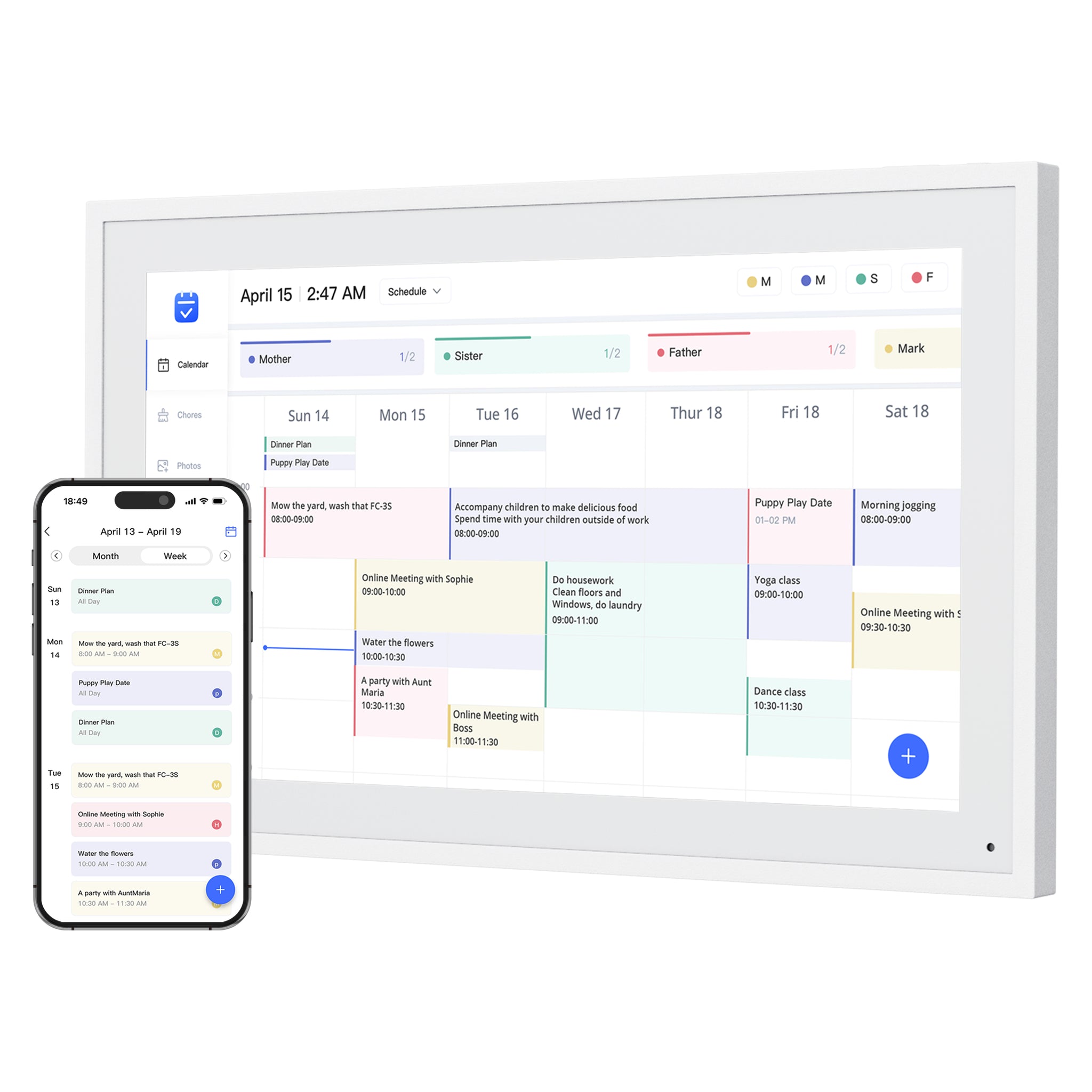 Dragon Touch Digital Calendar Dragon Touch Digital Calendar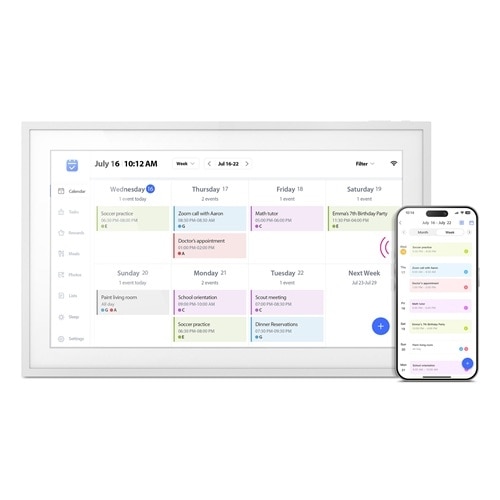 Aluratek AWFC15F eCalendar Aluratek AWFC15F eCalendar | Dragon Touch official setup instructions and the exact Aluratek AWFC15F listing both name eCalendar. The shared name is a documented ecosystem relationship, not a hardware brand. | Dragon Touch separates paid Magic Import from core tools; AWFC15F says no subscription fees. Entitlements cannot be assumed identical. | Provider logos do not establish two-way sync for each method. Cross-brand account/device transfers and identical firmware have not been verified. Follow each model’s official app download link. |
| FotoCube | Official downloads identify iOS App Store ID 6736965269 and Android package com.housebrain.album.android. Device pairing uses a code; Frame, Calendar and Calendar Pro have different feature scopes. | Calendar functions and selected Zola AI tools depend on the device, software version and plan. | Partner names are not a verified list of calendar-compatible retail models. A FotoCube reference alone does not establish a seller’s warranty, calendar features or open installation on any Android screen. |
Skylight ecosystem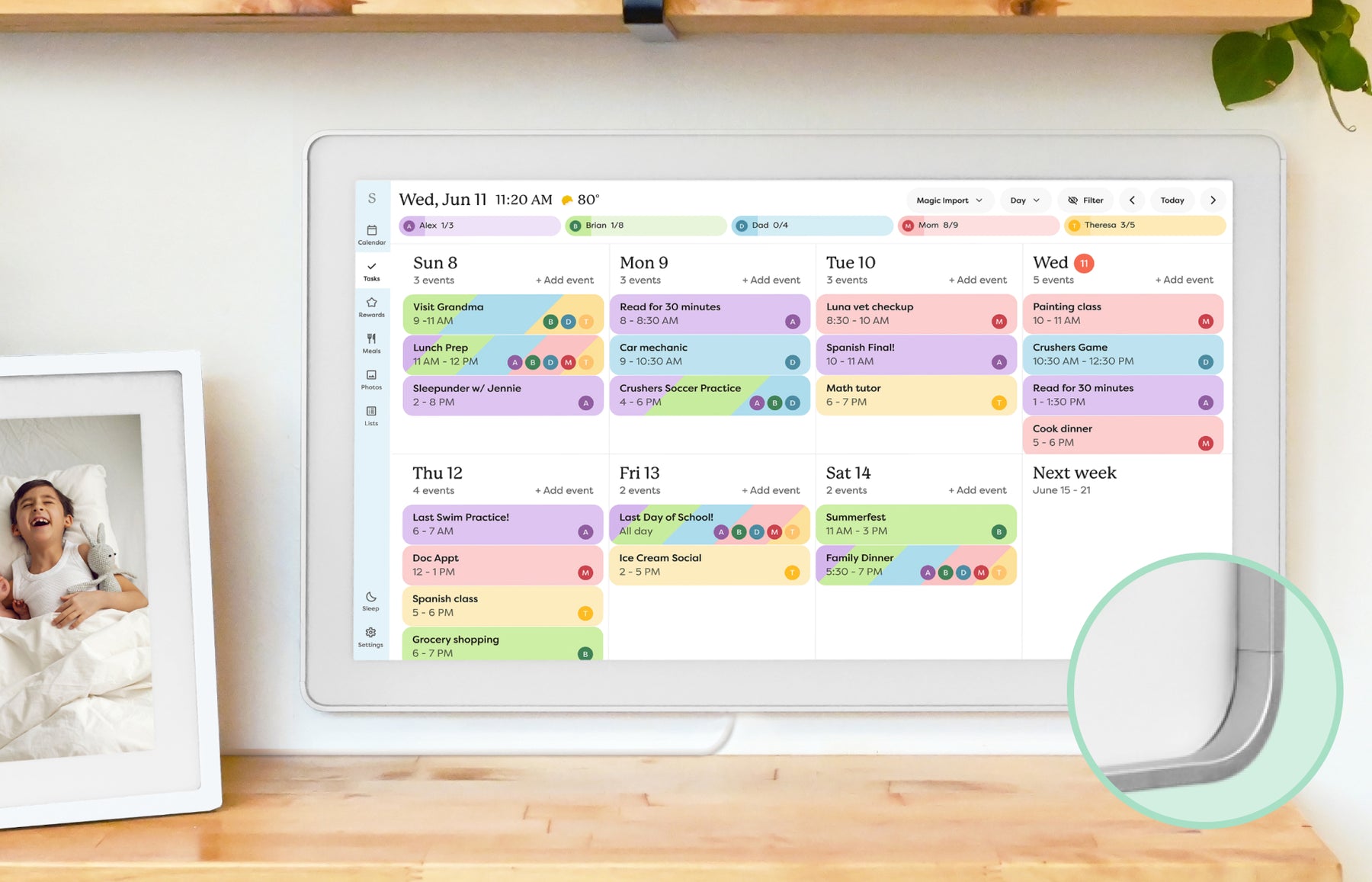 Skylight Calendar Skylight Calendar | Skylight’s companion app manages a dedicated Calendar’s schedules, chores and lists remotely. | Core tools are free; Calendar Plus adds Sidekick imports, meal planning, rewards and photo screensaver. | The app is not evidence that Skylight display software can be installed on any tablet or paired to another brand. |
Hearth ecosystem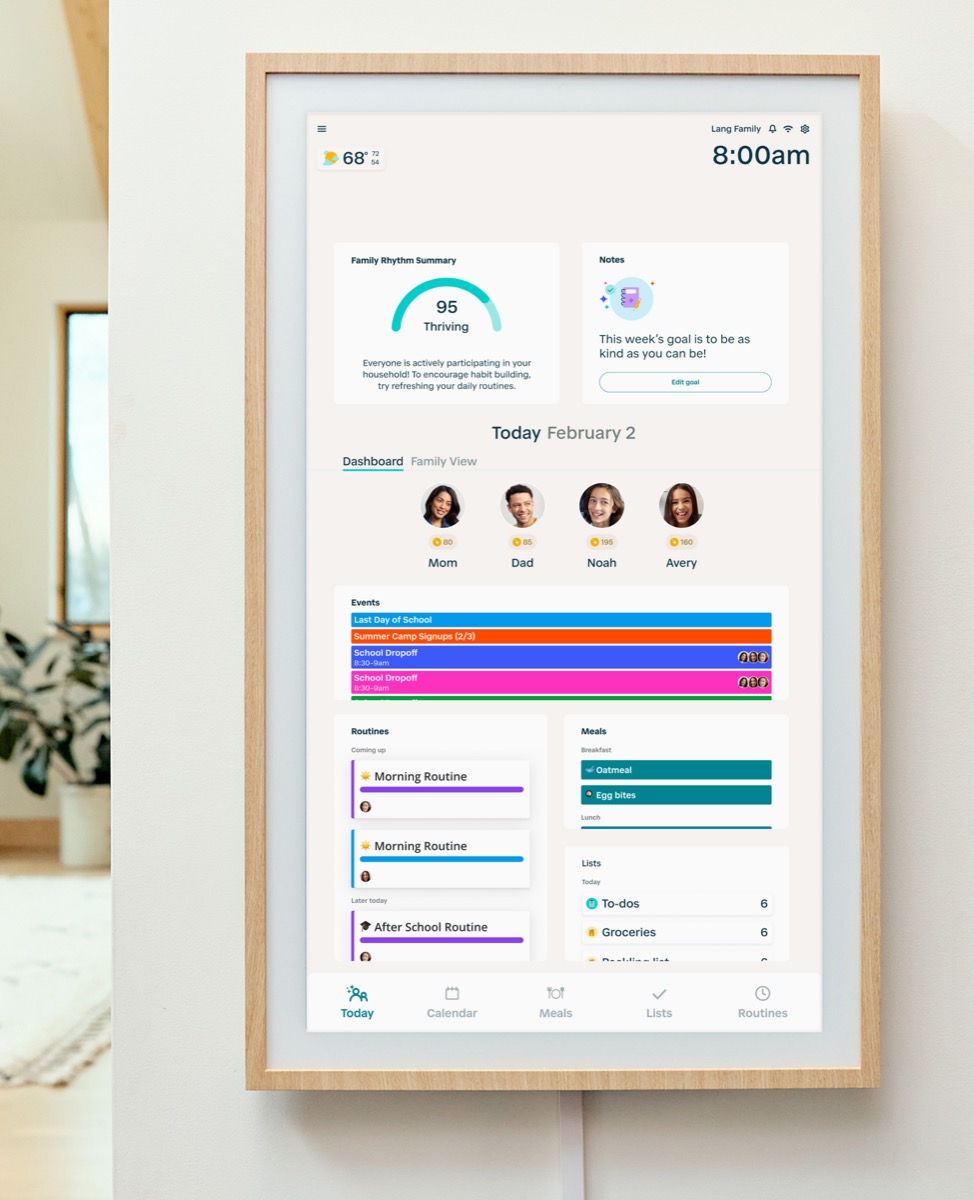 Hearth Display Hearth Display | Hearth’s display and companion app support household routines and planning; Helper proposes content for approval. | Family Membership is required for setup and includes premium Helper and routines. | Cancellation does not retain full household-management access. Companion-app availability is not a standalone replacement for the display. |
Cozyla ecosystem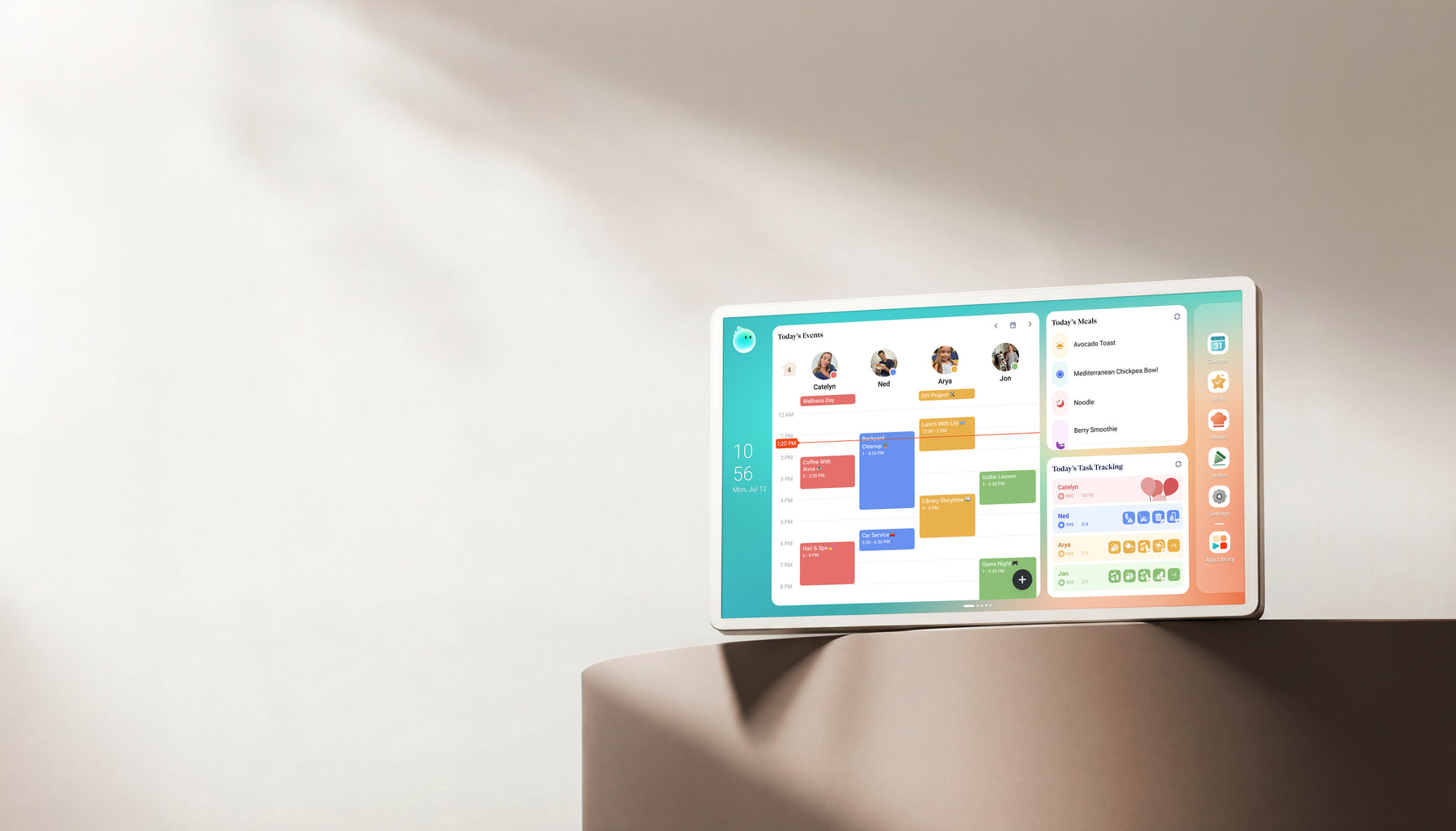 Cozyla Calendar+ Cozyla Calendar+ | CalendarOS display workflows and the Cozyla companion app include Agent-related phone/display planning paths. | Calendar+ 2 and Calendar Neo have different Essential/Super boundaries. Match the generation and current membership. | Google Play access on a device and a branded companion app are different layers. Do not infer unrestricted CalendarOS licensing or cross-brand pairing. |
DAKboard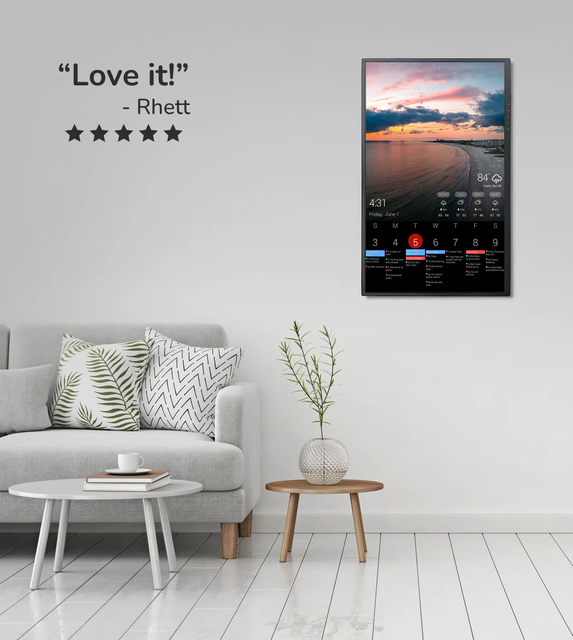 DAKboard Display DAKboard Display | Software-first dashboard with a supported own-screen route as well as ready-made hardware. Calendar, task and smart-home integrations depend on configuration. | Free and paid software plans are separate from hardware. Native TouchHub chores require a paid Essential/Plus plan. | Touch interaction needs suitable hardware. DIY software use does not establish white-label or OEM redistribution rights; external integrations have their own accounts and terms. |
Apolosign calendar mode + Android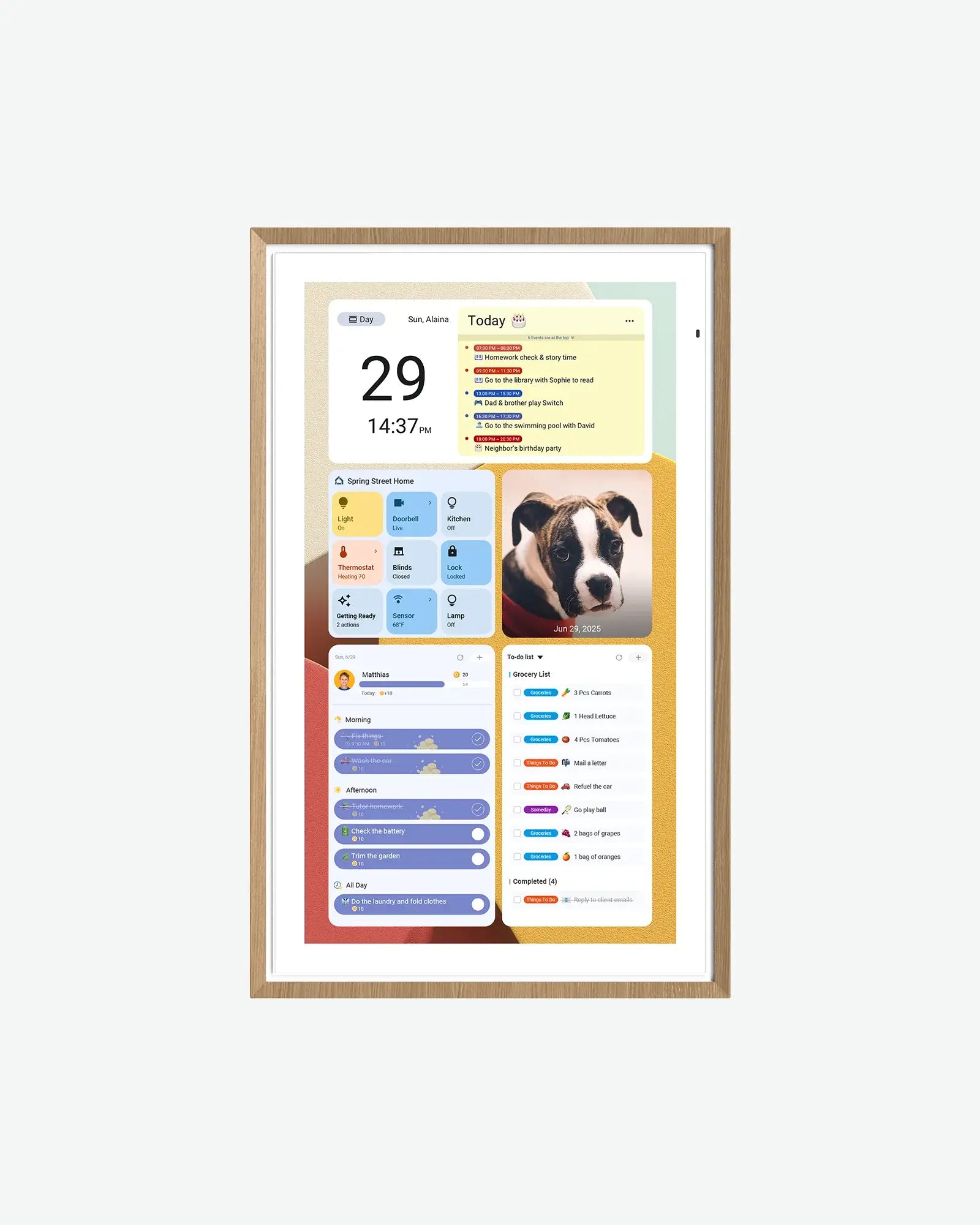 Apolosign Digital Calendar Apolosign Digital Calendar | A dedicated calendar mode alongside Android app and widget flexibility on the documented 15.6-inch model. | Advertised core calendar tools are free; third-party apps and AI services can introduce separate charges. | Android installation does not establish that another brand’s companion software can drive the calendar. Outlook URL import is not real-time two-way sync. |
Sources describe advertised capabilities and terms, not independent reliability tests. Specific-source checks for this guide: October 13, 2026. Linked product profiles retain their separate research dates. Prices, allowances and support terms can change.
Make the decision
What to check before choosing
Identify the app from the exact device instructions
An app name in a marketplace title is not enough to establish compatibility. Compare the developer, store ID or Android package with the official setup link. Our FotoCube explainer shows why a platform label is not a single retail model.
- Use the brand manual or support page rather than a similarly named app from search.
- Keep the device model, firmware version and seller information with the app identity.
- Do not sideload an APK merely because a third-party page says it supports your frame.
A shared app does not erase hardware differences
The Aluratek review identifies AWFC15F, while the Dragon Touch review covers its separate size and setup limits. Both name eCalendar, but mounting, entitlements, warranty and support must still be checked separately.
- The Westsee 15.6-inch description names Zical; it does not establish every Zicalstar display feature.
- Different devices may receive updates on different schedules.
- Before replacing a display, confirm whether your account and calendar can be paired to the new exact model.
Compare connection methods, not provider logos
The calendar sync paths can include account authorization, an app-specific password or a subscribed URL. A feed can show events without allowing edits back to the source; update timing and account permissions vary.
- Zicalstar documents provider-specific account connections and view-only ICS imports.
- Apolosign distinguishes Google/iCloud sync from its Outlook URL path.
- Employer or school administration can limit third-party access even when the provider is supported.
Choose software-first only if you want to maintain the screen
The DAKboard review explains the configurable dashboard route. Using an existing compatible screen can be useful, but the household still needs power, a suitable viewing setup, accounts and someone willing to maintain integrations.
- A companion phone app is not the same thing as installable display software.
- Touch features need touch-capable hardware and the appropriate plan.
- Consumer compatibility does not establish permission to redistribute software on commercial hardware.
Check access, deletion and the feature you will pay for
The free-and-paid feature guide helps separate included planning from paid imports or AI. For each app, also check family member permissions, disconnecting external calendars and whether important data remains available outside the display.
- Compare export or deletion controls rather than assuming account portability.
- A free app download does not mean all connected-device features are free.
- Use official support for your hardware warranty and software account separately.
Practical details
Common questions
What is the best calendar app for a wall display?
For an existing dedicated frame, use the companion app documented for its model. For a configurable screen, consider a supported software-first dashboard route. Generic phone-calendar rankings do not establish display compatibility.
Does Westsee use the Zical software platform?
Westsee’s official 15.6-inch page explicitly names the Zical App for event management. That documents the companion-app relationship; it does not prove identical hardware, Agent access, plan limits or warranty with Zicalstar. The Zicalstar review describes its own evidence boundary.
Do Dragon Touch and Aluratek use the same app?
Their official materials both identify eCalendar, including the exact Aluratek AWFC15F listing. That does not establish matching paid features, firmware, support or cross-brand pairing.
Is FotoCube the same as one hardware brand?
No. FotoCube describes device and platform relationships and distinct software routes. Its explainer helps identify the exact device and app pairing without assuming shared ownership or warranty.
Can I move every calendar app to a different display?
Not established. A downloadable mobile app, a device activation code and installable display software are different things. Check the exact new hardware and account migration support before changing screens.
Does shared software mean the same AI features?
No. Hardware, firmware, service plans and release status can limit AI actions. The AI calendar comparison separates documented workflows from unverified device support.
Explore the details
Zicalstar Smart Calendar FrameRead the evidence and buying limitsDragon Touch Digital CalendarRead the evidence and buying limitsDAKboard DisplayRead the evidence and buying limitsRelated reading
Read the buying details
These guides explain the tradeoffs behind the comparison.
Useful next steps
- Understand FotoCube devicesPlatform identity versus a retail model.
- Compare provider sync pathsAccount connections, feeds and editing limits.
- Compare AI calendar workflowsNative planning versus third-party chat.
SmartFrameLab does not sell placements or run display ads. Some buying links on linked reviews are affiliate links; see our commercial disclosure.