
Editorial research profile · Updated October 13, 2026
Dragon Touch Digital Calendar Review
A practical eCalendar-style Skylight alternative with a wide size range, 32GB storage references, calendar sync, chores, meal planning, grocery lists, and photo-frame use in one product family.
Quick answer
- Best fit: Families comparing lower-cost, no-subscription-positioned digital calendar frames with broad calendar sync.
- Skip if: Shoppers who want the most polished family-calendar ecosystem, mature AI assistant, or strongest mainstream brand proof.
- Main buying check: Compare calendar support, subscription boundaries, setup style, and current store availability before purchase.
Still choosing a display? Compare family digital calendars by workflow, paid features and buying limits to see where this option fits alongside other approaches.
Research path
Where Dragon Touch fits next.
Move from this review into the comparison, best-pick, and guide pages that clarify the buying decision.
Brand series
- Dragon Touch product seriesCompare Dragon Touch calendar displays with its WiFi photo frames by scheduling features, screen size and the household job each model serves.
Compare before buying
- Skylight vs Dragon TouchA category-leading smart calendar frame compared with a no-subscription-positioned eCalendar-style alternative.
- Dragon Touch vs ApolosignTwo newer digital calendar alternatives compared by screen choices, calendar sync, app posture, AI claims, and subscription pressure.
Best-pick context
- Best Smart Calendar FramesChoose a frame-style home calendar by room fit, viewing distance, touch access and setup style—not just the largest screen.
- Best Digital Calendars for Families: Wall Displays ComparedCompare nine digital calendars for family schedules, chores and routines. Find the right wall display by calendar sync, setup and the features you will actually use.
- Best Smart Frames Without Subscription PressureA buyer guide based on published sources comparing the free core workflow, optional paid tools, exact-model limits, app polish, and support confidence behind no-subscription calendar claims.
Buying guides
- Dragon Touch Calendar Sizes: 10.1 to 32 Inch GuideCompare Dragon Touch 10.1, 15.6, 21.5, 24, 27, and 32-inch Digital Calendar sizes by room, viewing distance, wall-mount limits, and the family workflow you need.
- Skylight Calendar Alternatives: Choose by Household NeedLooking for a Skylight alternative? Compare the strongest paths by what your household needs instead: lower subscription pressure, routines, dashboard control, Android flexibility, photo sharing, or large-wall visibility.
- Smart Calendar Frame Without SubscriptionHow to compare no-subscription and low-subscription smart calendar frames without ignoring app polish, support, paid-feature boundaries, and ownership risk.
- Are No-Subscription eCalendar Frames Actually Better?A practical comparison of Dragon Touch, Aluratek, Apolosign, and Cozyla through setup effort, app polish, support quality, and long-term value.
Product media
Product and series references
6 images Used for visual model context, not ranking weight.
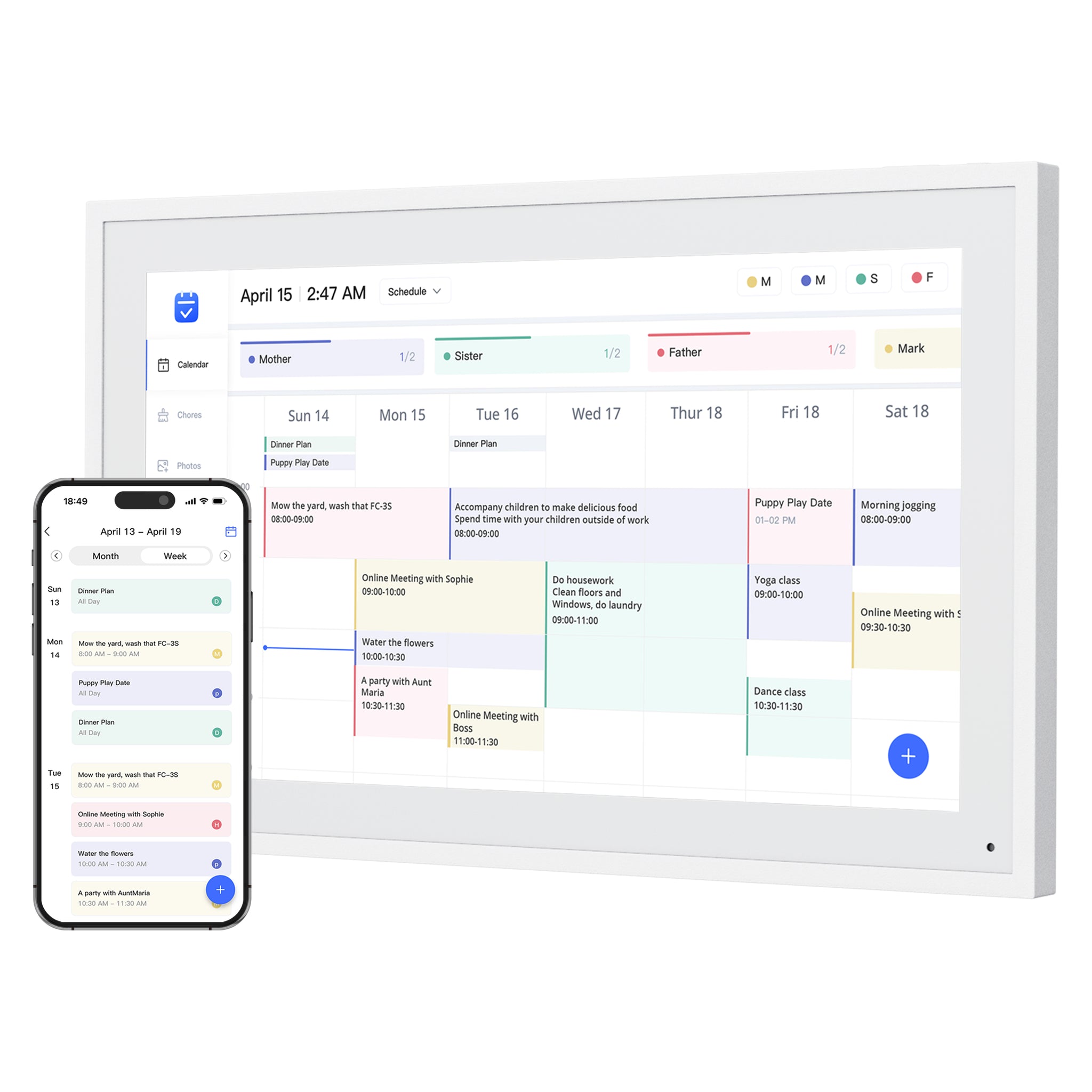
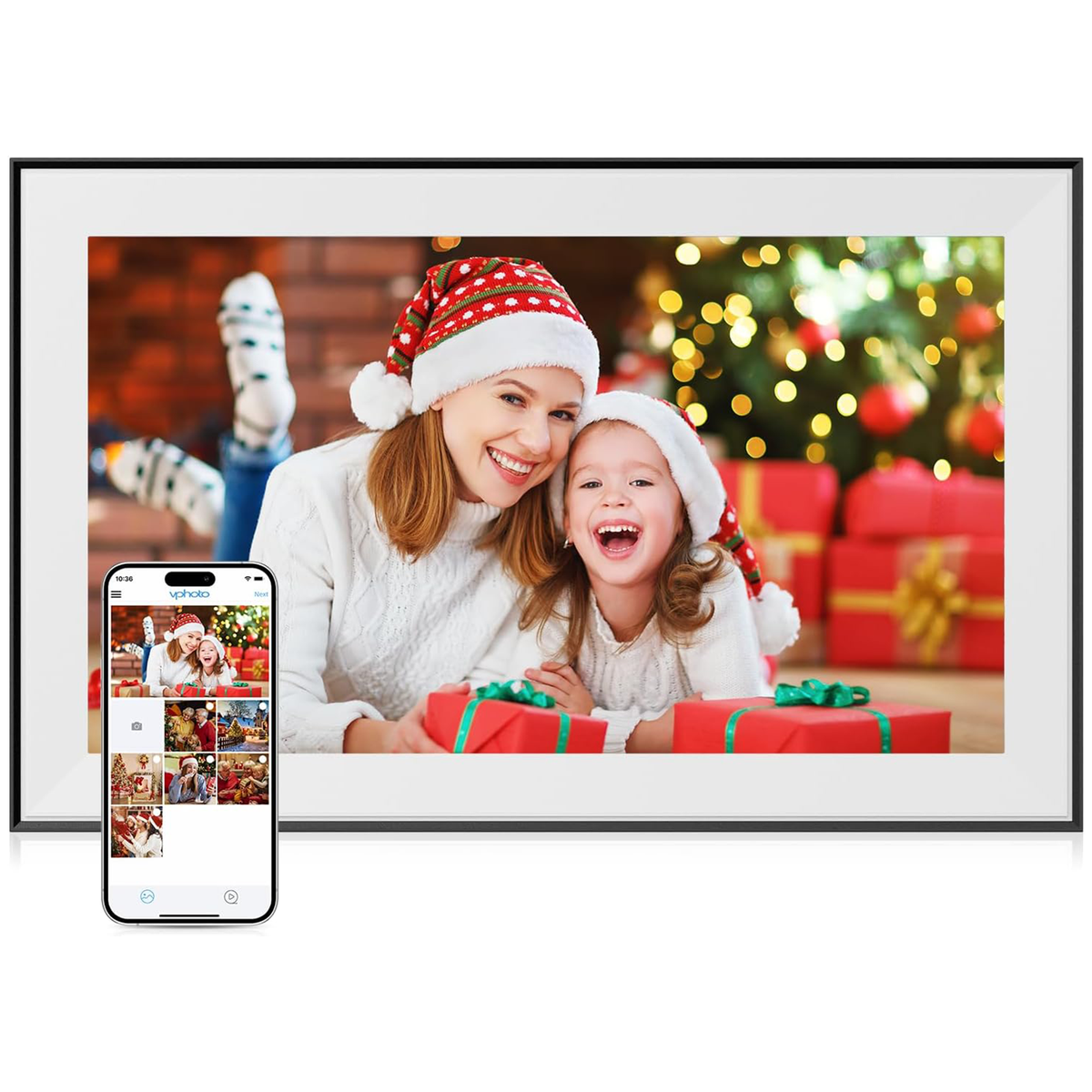
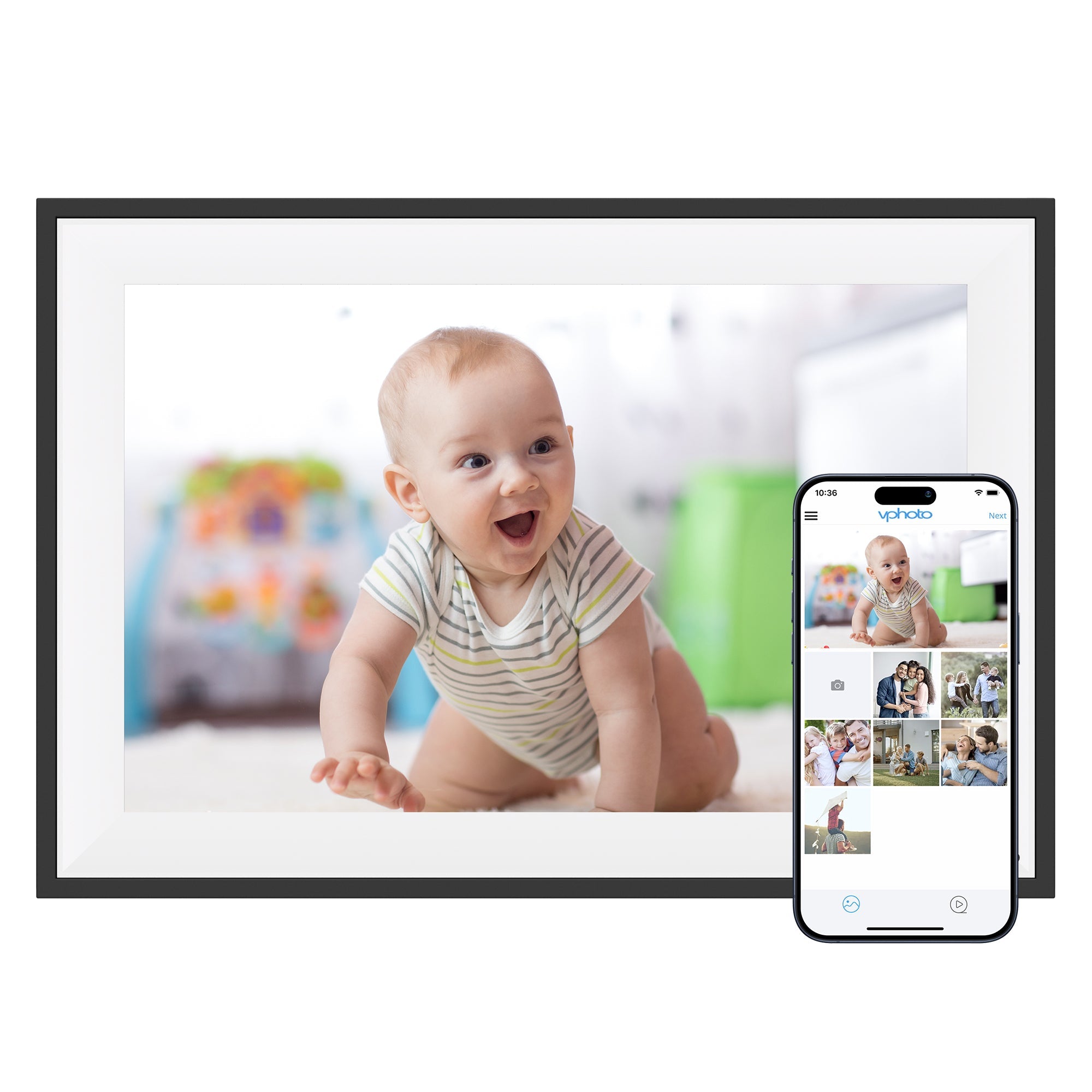
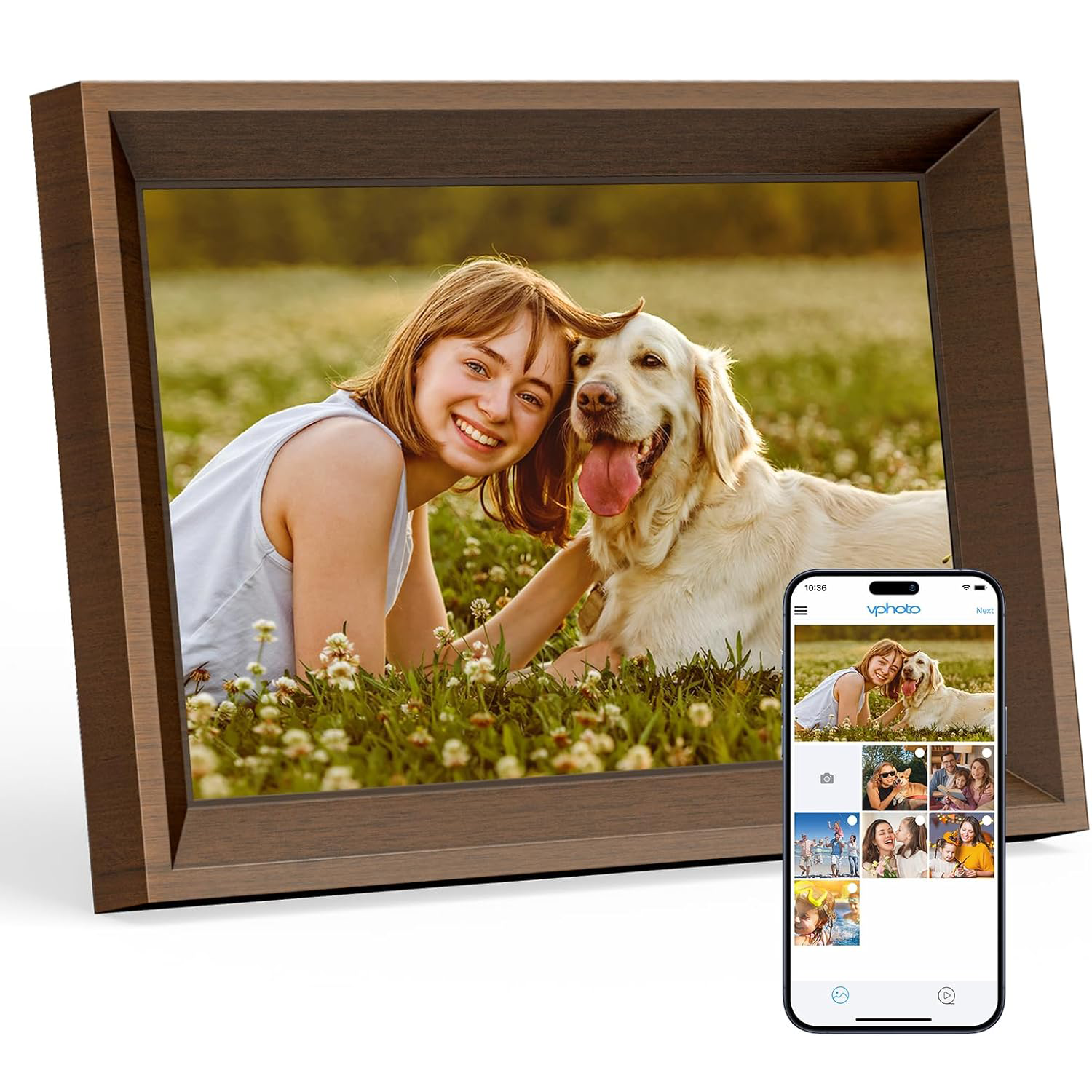
Buying path
How to use this review before clicking through
Start with the calendar family, not the photo-frame deals
Dragon Touch has adjacent WiFi digital photo-frame products that may look attractive during a sale. Treat those as photo products unless the listing clearly includes the calendar workflow you need. Our calendar-versus-photo-frame guide explains this distinction, and the Digital Calendar vs Family Calendar guide helps identify the calendar product family rather than mistaking a label for a separate tested device.
- Use the Digital Calendar product path when shared schedules, chores, meal planning, lists, and wall visibility are the main reasons to buy.
- Use photo-frame deals only when photo sharing and gift use are the primary jobs.
- Do not treat a cheaper photo frame as a Skylight Calendar alternative unless calendar support is explicitly documented.
Choose the size by placement first
The broad Dragon Touch size range is a real buying advantage, but it also makes the purchase easier to mis-size. Decide where the display will live before comparing price. The Dragon Touch size guide separates countertop and wall-display choices; use the home setup checklist to check power access, viewing distance and who will maintain the calendars.
- 10.1 and 15.6-inch models fit desks, counters, and small kitchen zones.
- 21.5, 24, 27, and 32-inch models make more sense for wall-mounted family command areas.
- Verify stock by color and size because availability can change by region.
Check the no-subscription boundary
Dragon Touch is valuable for no-subscription and eCalendar searches, but the practical question is which exact features are free, paid, or unclear at checkout. The no-subscription eCalendar guide explains why an included core workflow can still have optional paid tools; the calendar-sync comparison helps distinguish provider support from the direction and method of syncing.
- Confirm calendar sync, chores, dinner planning, grocery lists, and photo-frame mode against the current product page.
- Treat Magic Import and similar advanced features as paid-boundary checks before purchase.
- Use the store path to compare purchase options, and the official specifications to verify feature wording.
Use review count as a confidence check
Dragon Touch has useful marketplace and official-store signals, but a sale price or a no-subscription label does not establish reliability. Our review-confidence guide explains how to read review counts and repeated issues together. For a workflow alternative, Dragon Touch vs Apolosign separates the eCalendar route from Android flexibility rather than comparing discounts alone.
- Read the star rating together with public review count, not as a standalone proof point.
- Look for repeated comments about app reliability, calendar sync, paid functions, returns, and support.
- Use Dragon Touch as a value-oriented research path, while keeping review confidence separate from affiliate conversion.
Source-backed notes
Sources and testing notes
Official sources Source baseline: August 29, 2026
Dragon Touch official product data still positions the Digital Calendar as a multi-size, no-subscription family calendar and photo-frame display with eCalendar app setup, household planning features, and live model-specific sale signals. The Awin route remains a purchase path, not editorial evidence.
- Official source material continues to show a broad calendar-size family around 10.1, 15.6, 21.5, 24, 27, and 32-inch options, with price, stock, color, and region changing by SKU.
- The broader Dragon Touch catalog splits into a calendar family and a photo-frame family. Photo-frame SKUs can support deal coverage, but they should not be treated as direct Skylight Calendar replacements unless calendar workflow features are present.
- The official product JSON confirmed live Digital Calendar variants and compare-at pricing on August 12, 2026. Family Calendar shares some SKU identifiers but has different availability by size, so it remains supporting model-family evidence rather than a second reviewed product.
- Current calendar sale states are model-specific and can move quickly. Keep public deal copy date-stamped; recheck photo-frame sale claims before displaying them.
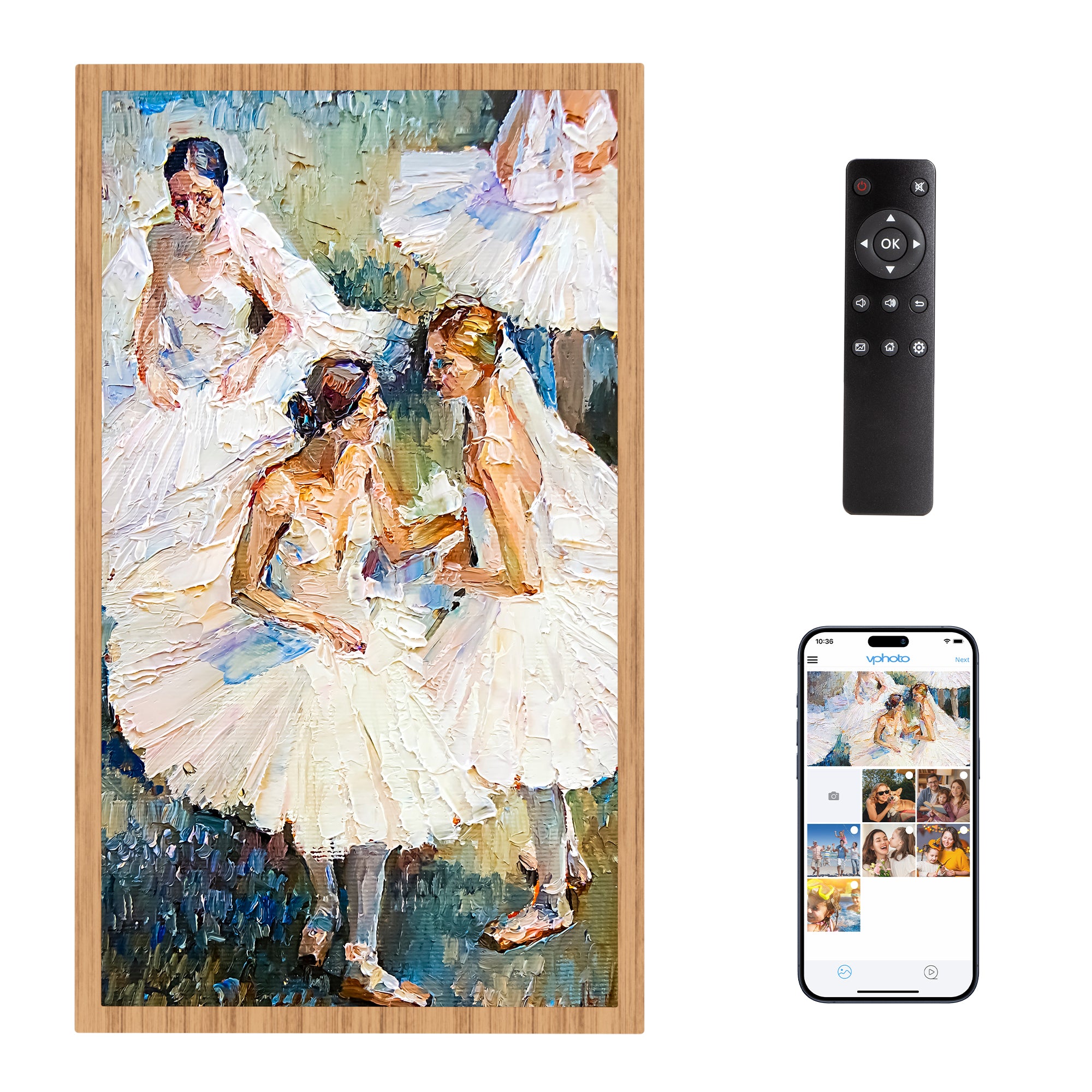
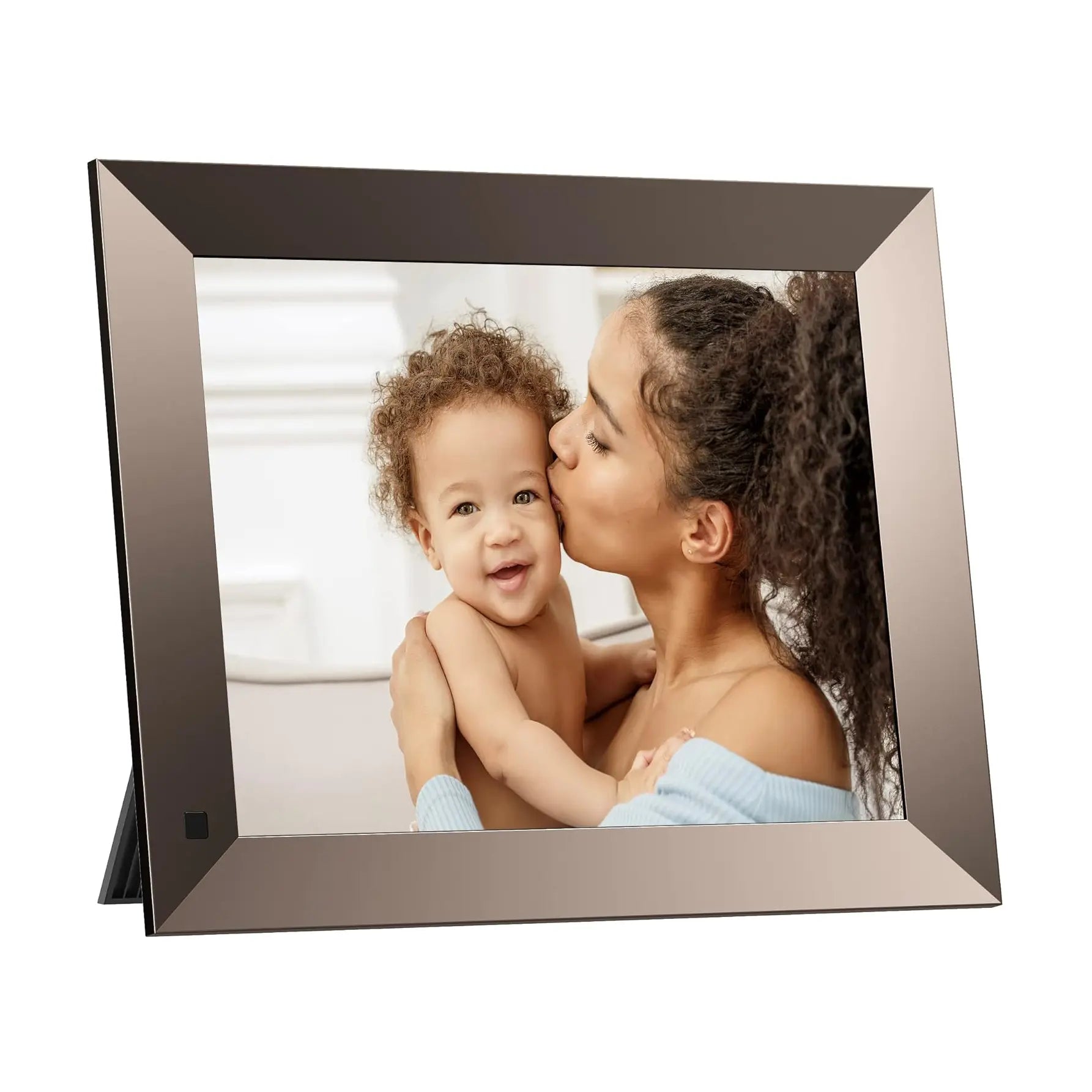
- The product image is supplied by Dragon Touch; it is not a SmartFrameLab hands-on photograph.
- Official copy describes quick Wi-Fi setup, mobile app linking, multiple personal calendars, chores, dinner planning, grocery/list tools, photo-frame mode, and free app features.
- Magic Import and other paid-function wording should be tracked separately from the no-subscription headline.
- The official page rechecked August 29, 2026 explicitly listed photo frame, chore chart, dinner plan, grocery list, rewards, and meal planning as free while keeping Magic Import in the paid-function boundary.
- Marketplace snippets can support buyer-signal research, but the dated rating sample does not establish current satisfaction or long-term reliability.
- Awin links now use advertiser ID 108914 and publisher ID 2941693; page templates add context-specific click references for review and deal attribution.
- Awin currently lists the NEW10 partner offer: 10% off for first-time Dragon Touch customers through December 31, 2026. It cannot be combined with other promotions or discounts.
Who it is best for
Families comparing lower-cost, no-subscription-positioned digital calendar frames with broad calendar sync.
Who should skip it
Shoppers who want the most polished family-calendar ecosystem, mature AI assistant, or strongest mainstream brand proof.
What stands out
- Strong fit for no-subscription and budget Skylight-alternative searches
- Wide screen-size range gives shoppers more placement choices
- Combines calendar, chores, dinner planning, grocery/list tools, and photo-frame jobs
Tradeoffs to consider
- App reliability and long-term support remain uncertain beyond the published feature list
- Magic Import and other paid-function wording means no-subscription claims still need feature-level review
- Some sizes and colors can move in and out of stock, so the exact SKU should be checked before purchase
Feature notes
| Screen | Official product data lists 10.1, 15.6, 21.5, 24, 27, and 32-inch options across white and black variants. |
|---|---|
| Calendar | Official copy describes eCalendar app setup with iOS, Google, and other calendar integrations; existing research also tracks Outlook, Yahoo, Cozi, and public sharing link support. |
| Photo frame | Positioned as a digital calendar and photo frame hybrid with family photo display use. |
| AI / agent | Better treated as a practical eCalendar product than an AI family assistant. |
| Subscription | Official positioning emphasizes no subscription fees; paid functions such as Magic Import should still be checked before purchase. |
Final recommendation
Dragon Touch Digital Calendar is worth shortlisting if its core strengths match your household workflow. We recommend comparing current pricing, subscription terms, and calendar-account support before buying.
Budget-to-mid category depending on size. Official Dragon Touch pages continue to show active sale / compare-at pricing on selected calendar and photo-frame SKUs; verify current price, stock, region, and paid function boundaries before buying.
New customer offer
A first-order offer, after the product check
For a first Dragon Touch order, use the code only after you have selected the calendar model and verified its price, region, and paid-function boundaries.
10% off a first order · New Dragon Touch customers only
Offer listed through December 31, 2026.
Valid on Dragon Touch official-site products. Cannot be combined with other promotions or discounts. Terms may change or end early.